Know exactly what's on your shelves, at all times.
Products, categories, and a full audit trail of every stock change — organized the way a real retail catalog actually works, not a flat spreadsheet pretending to be one.
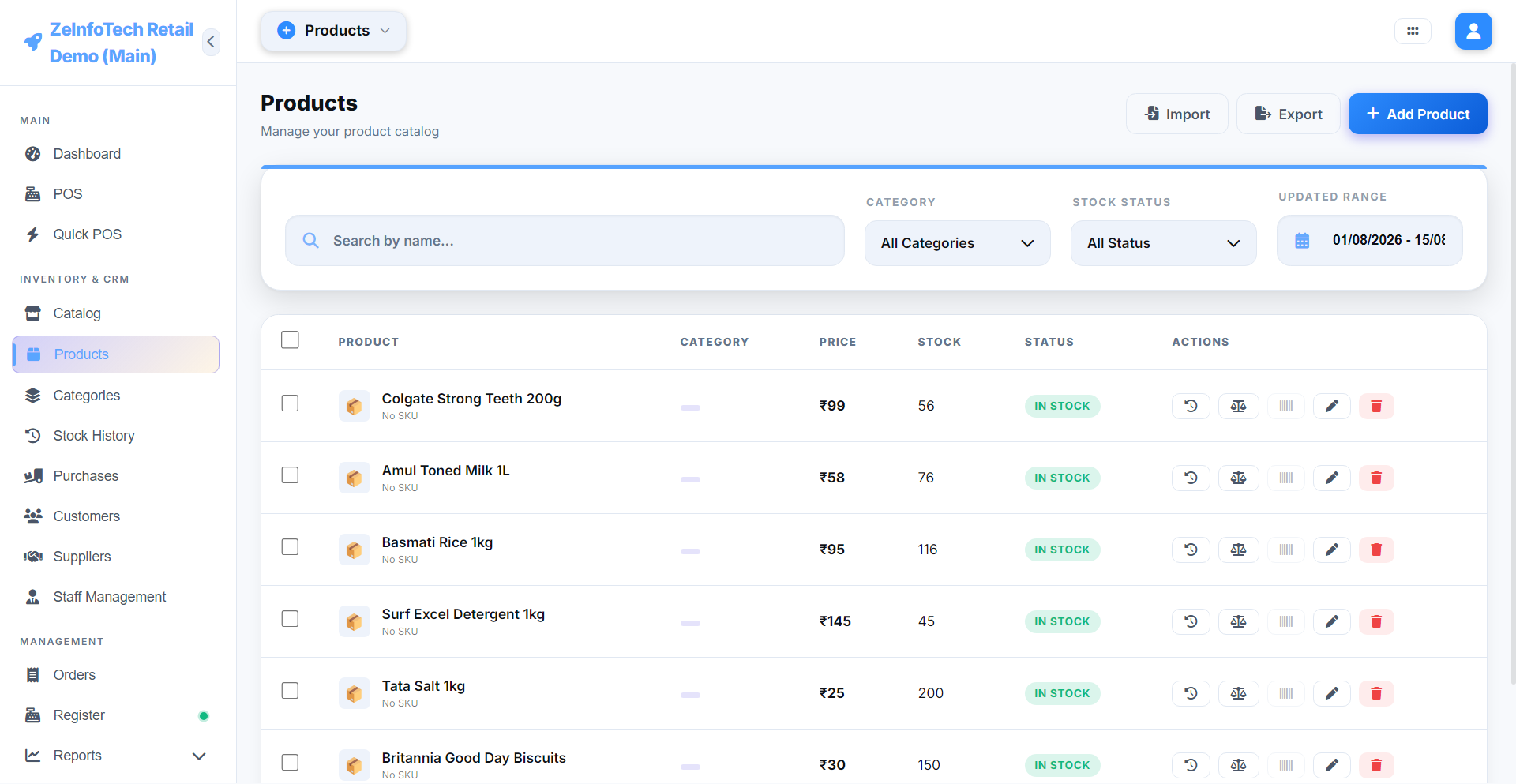
Products, variants, and categories that make sense
Organize your catalog into categories, and give any product variants — size, color, pack size — without duplicating it as a whole separate item. Search finds a product by name, SKU, or barcode instantly, whether you're at the counter or managing the catalog itself.
Every stock change, logged
The Inventory Audit Log records every single stock movement — a sale, a purchase received, a manual adjustment, a branch transfer — with who did it and when. When a count doesn't match what's on the shelf, you can trace exactly what happened instead of guessing.
Low stock, handled before it's a problem
Set a reorder threshold per product, and a Low Stock alert appears the moment it's crossed — with a one-click path straight into a pre-filled Purchase Order, so restocking doesn't mean re-typing the same product list from scratch.
Product variants
Size, color, or any attribute — without duplicate listings.
Categories & catalog
Organize hundreds of products the way you actually sell them.
Full audit trail
Every stock change, logged with who and when.
Barcode & SKU support
Scan to find, scan to sell.
Low-stock alerts
Set a threshold per product, get notified before you run out.
Stock transfer
Move inventory between branches, tracked end to end.
See the catalog in action
Explore products, variants, and stock history in the live demo.